
Columbus County Clerk Overview
North Carolina uses an elected Clerk of Superior Court in each county instead of separate county and district clerks for trial-court case files. In Columbus County, the office is listed by NCARD as Jesse H. Hill, Clerk of Court, with the clerk's phone number at (910) 641-4400. The North Carolina Judicial Branch courthouse page states that the Clerk's Office is located in the Columbus County Courthouse. That makes the Whiteville courthouse the primary in-person route for court file review, copy requests, certified documents, cashier questions, and estate filings.
The clerk's role is broader than counter service. The office maintains court records for Superior Court and District Court, supports public self-service terminals for civil, special proceeding, and estates case information, provides file inspection and copies for a fee, handles eligible court payments, and serves as the probate judge for estates. Marriage licenses and most vital records do not belong to this office; those are Register of Deeds records.
Columbus County Clerk of Superior Court
Clerk: Jesse H. Hill
100 Courthouse Circle
Whiteville, NC 28472
Mail: PO Box 1587, Whiteville, NC 28472
(910) 641-4400
Monday-Friday, 8:30 a.m.-5:00 p.m.
The Columbus County attorney page is a county government office source, separate from the court clerk. It helps show how county administration and court record offices sit in the same Whiteville government cluster.
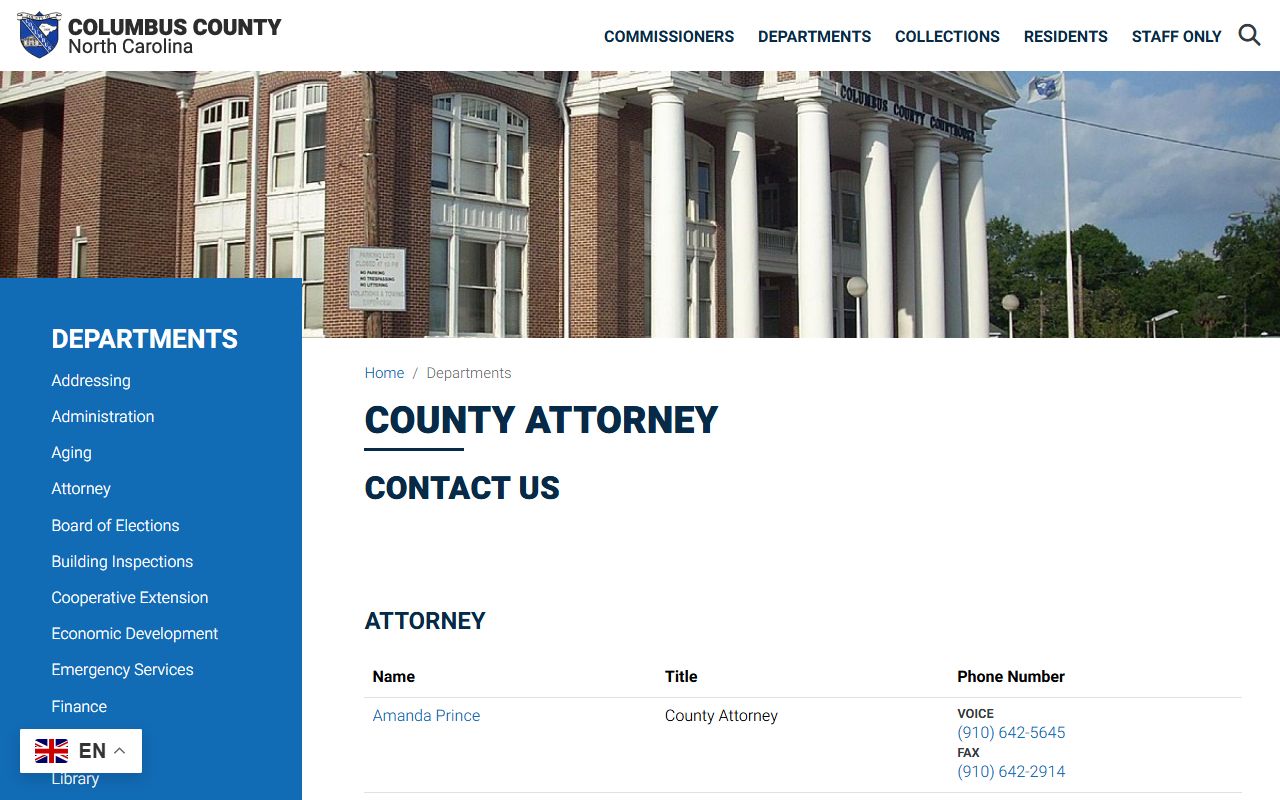
Use county administration pages for county government contacts, but use the Clerk of Superior Court for Columbus County court files, certified court copies, estates, and court payment routing.
Columbus County Clerk Duties
The Columbus County Clerk of Superior Court maintains records that are made in the General Court of Justice. That includes civil case pleadings, criminal case filings, traffic and infraction case entries, family case judgments, estate files, special proceedings, judgments, and calendars tied to court cases. The clerk does not replace the eCourts Portal, but the clerk remains the source for the complete file in the county where the case is located.
For a Columbus County Clerk records request, match the record to the office first. Court cases, divorce judgments, estate files, judgments, and certified court copies route to the clerk. Marriage licenses, birth and death records, assumed names, and deed records route to the Columbus County Register of Deeds. Police reports route to the law enforcement agency that created the report.
- Maintain Superior Court and District Court case files for Columbus County
- Provide public file inspection and copies when records are open
- Support payment routes for eligible court costs, fines, fees, and traffic matters
- Handle estate administration as Clerk of Superior Court acting as probate judge
- Provide the county clerk route NCAOC recommends for background-check use
The Columbus County purchasing page notes public inspection for county purchasing records, which is a useful contrast: county administrative records are not the same as court case files held by the Clerk of Superior Court.
That separation matters because a public-record request to county administration will not produce a certified Columbus County court judgment or estate filing.
Request Columbus County Certified Copies
Certified copies are used when a person needs an official court document rather than a web search result. Common Columbus County examples include divorce judgments, civil judgments, criminal dispositions, estate letters, orders, and other filed documents. NCAOC states that the actual case file can be viewed by visiting the clerk in the county where the case is located and that staff can provide copies for a fee.
- Find the case number in the North Carolina eCourts Portal Smart Search, a prior court notice, a payment record, or the clerk's public terminal.
- Identify the document needed, such as judgment, order, disposition, letters, filing, or divorce judgment.
- Contact or visit the Columbus County Clerk of Superior Court and ask whether the file is available for public inspection and copying.
- Pay the copy or certification cost required by the clerk. The local research confirmed copies are available for a fee, but did not locate a Columbus-specific copy amount.
- Use the certified copy from the clerk for legal, employment, licensing, or official record purposes when an online result is not enough.
Copy rule: Portal results help locate a file, but certified copies must come from the clerk that holds the official record.
Columbus County Records Request Fields
The research did not locate one universal Columbus County Clerk court-record request form. NCAOC instead directs users by record type: Portal for searchable case information, clerk office visits for complete files and copies, the Register of Deeds for vital and real estate records, and law enforcement for police reports. A clear clerk request should still include enough details for staff to identify the file.
| Field | Required | Notes |
|---|---|---|
| Case number or record number | Best if available | Smart Search accepts record numbers and names; a case number speeds clerk lookup. |
| Party names | Yes | Use last, first, middle, and suffix when known. |
| Case type | Helpful | Civil, criminal, family, traffic, estate, special proceeding, or judgment. |
| Document type | Yes | Judgment, order, disposition, divorce judgment, letters, petition, or full file review. |
| Copy type | Yes | Plain copy, certified copy, or in-person file inspection. |
| Contact information | Yes | Provide phone, mailing address, and any deadline or pickup preference. |
The NCIDS Columbus Defender District 15 page identifies the public defender office at the courthouse square, which is relevant for people whose clerk record search is tied to an active criminal case and appointed counsel.
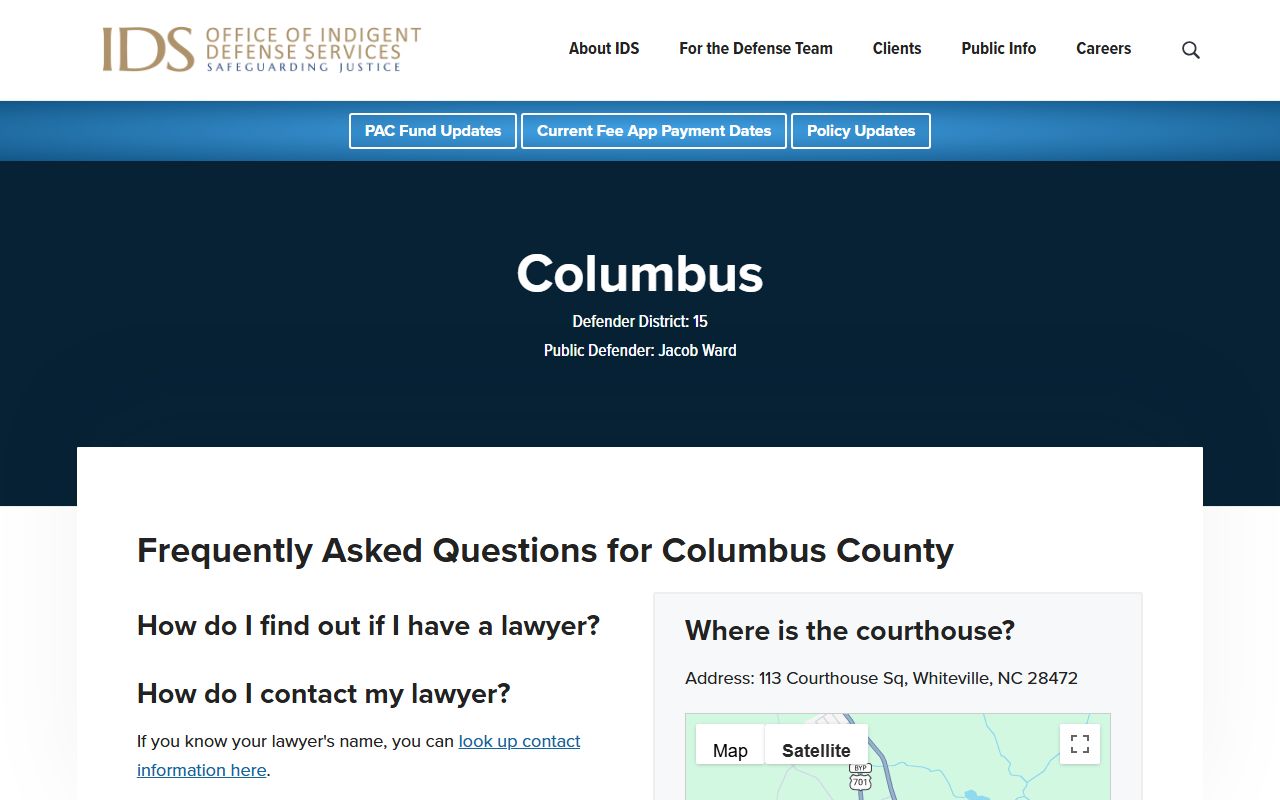
Defense counsel can help interpret active criminal filings, but official case copies still come from the Columbus County Clerk of Superior Court.
Columbus County Clerk Fees
Local research confirmed several payment rules, but not a Columbus-specific plain-copy or certified-copy amount. The safest fee treatment is to state only what official sources documented and to direct copy-cost questions to the clerk. For court and traffic payments, the Columbus local payment page gives specific channels and payment types.
| Item or channel | Official detail located |
|---|---|
| Mail court or traffic payment | Money order or certified check only, no cash, no personal checks, payable to Columbus County Clerk of Superior Court. |
| In-person payment | Cash, credit/debit card with processing fees, money order, or certified check at the Criminal Division cashier window. |
| Online eligible payments | Credit/debit card with processing fees through NCAOC services; Visa, MasterCard, and Discover listed by Portal. |
| Court file copies | Clerk staff can provide copies for a fee; local amount not located in captured sources. |
| Guardianship filing | NCAOC statewide page lists a $120 filing fee plus a $30 sheriff service fee may be required. |
Note: Do not mail cash or a personal check for Columbus court or traffic payments.
Columbus County Clerk Forms
Most court forms come from North Carolina Judicial Branch systems rather than a local Columbus-only form shelf. eCourts File & Serve supports electronic filing, Guide & File helps with certain self-help document preparation, and NCAOC estate and guardianship pages provide statewide forms for those case types. Jury excusal, deferral, exemption, and disqualification requests must be submitted electronically or by mail with supporting documentation at least ten days before service.
- eCourts File & Serve: electronic filing for supported case types in North Carolina counties using eCourts.
- Guide & File: document-preparation route for selected self-help matters, including some divorce filings.
- Estate forms: statewide NCAOC forms used when the clerk acts as probate judge.
- Jury excusal forms: electronic or mail submission, not handled by telephone.
The National Park Service courthouse listing documents the courthouse's historic status, while the NCAOC courthouse page controls current clerk visitor information.
Historic courthouse references are useful background, but current filings, fees, hours, and records requests should be confirmed through NCAOC or the clerk.
Columbus County Clerk Online Access
The main online access channel is the North Carolina eCourts Portal. Smart Search is used for case information, Search Hearings is used for court dates and calendars, Make Payments is used for eligible case and citation payments, and NC Judgment Search is used for judgment indexes. Portal notices state that JavaScript and cookies are required, CAPTCHA may appear every ten minutes, and complete files or certified copies still route to the clerk.
In-person access remains important. NCAOC states that civil, special proceeding, and estates case information can be accessed on public self-service terminals in clerk offices, and actual case files can be reviewed by visiting the clerk in the county where the case is located. For background checks, NCAOC directs individuals to the county clerk's office rather than relying on Portal.
The statewide defender directory lists Columbus County defender office details for people who need appointed-defense context connected to court records.
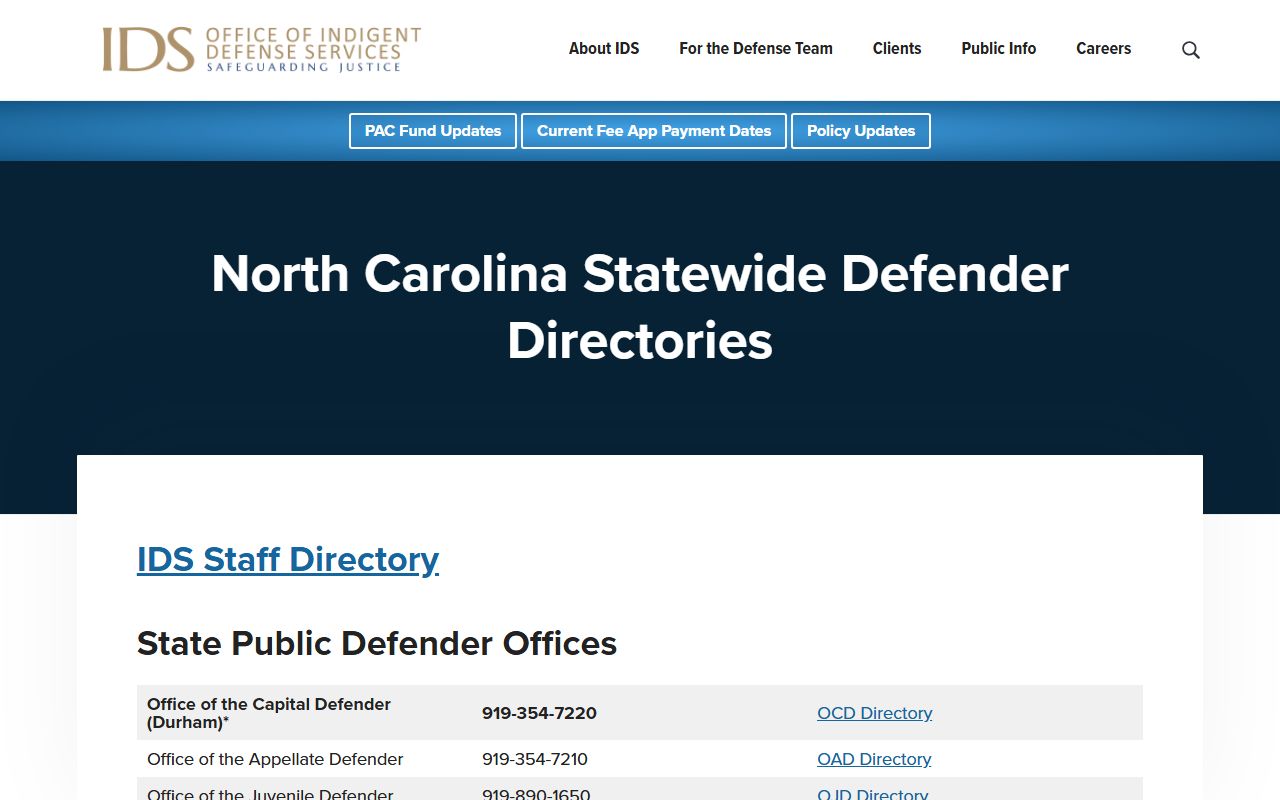
Use the defender directory for representation contacts, not as a substitute for the official Columbus County court file.
The U.S. District Court for the Eastern District of North Carolina is separate from Columbus County state court records.
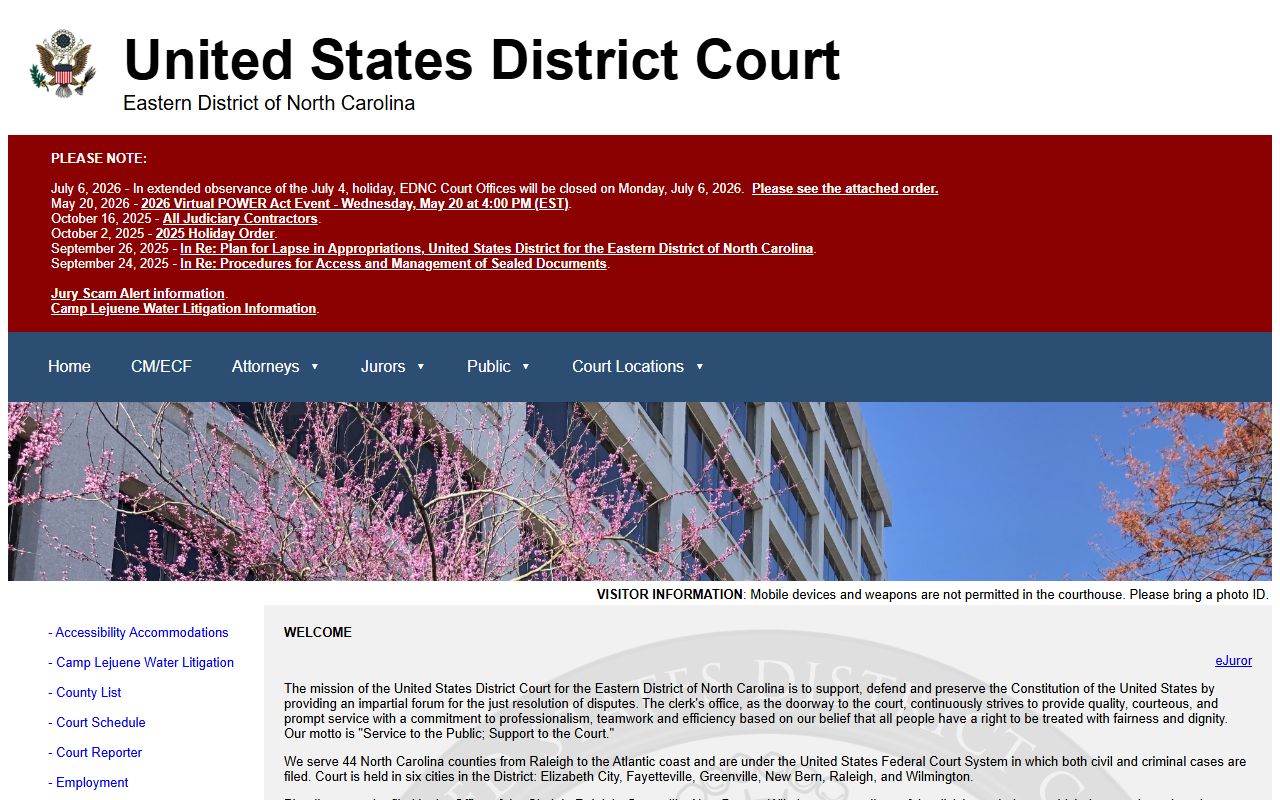
Federal cases use EDNC and PACER systems; Columbus County Superior and District Court files remain with the Clerk of Superior Court and NCAOC systems.
Public Record Search
Sponsored Results