
Search Columbus County Court Records Online
The main online route for Columbus County court records is the North Carolina eCourts Portal. The portal supports Smart Search for case information, Search Hearings for court dates, Make Payments for eligible citation or case obligations, and NC Judgment Search for judgment index entries. NCAOC describes Portal as the place to search court records, find hearing dates, and make payments. For Columbus County, the state court location page also links users to court dates, calendars, payment information, local rules, jury service, and administrative schedules.
Smart Search accepts a record number or a name in last, first, middle, suffix format. It can also be narrowed with advanced filters for Columbus County, case type, case status, dates, party search type, and other fields. Portal is useful for quick public case information, but it is not the same as viewing the whole court file. NCAOC says actual file review and copies are handled by the clerk in the county where the case is located.
- Open the North Carolina eCourts Portal and choose Smart Search for case information.
- Enter a case number, record number, party name, business name, or wildcard search using the Portal format rules.
- Use Advanced Filtering Options to narrow the location to Columbus County and add dates, case type, or party filters when known.
- Review the public case summary, case status, parties, hearings, and judgment or disposition details that appear.
- Contact the Columbus County Clerk of Superior Court for file inspection, certified copies, background-check use, or older records not shown online.
The NCAOC Columbus County court page is the local starting point for county court links. It ties Columbus County to Prosecutorial District 15, Superior Court District 15A, and District Court District 15, which helps explain why court records may come from more than one trial division even though the Clerk of Superior Court is the central records office.
The Portal home page is the official source image for Columbus County court record searching.
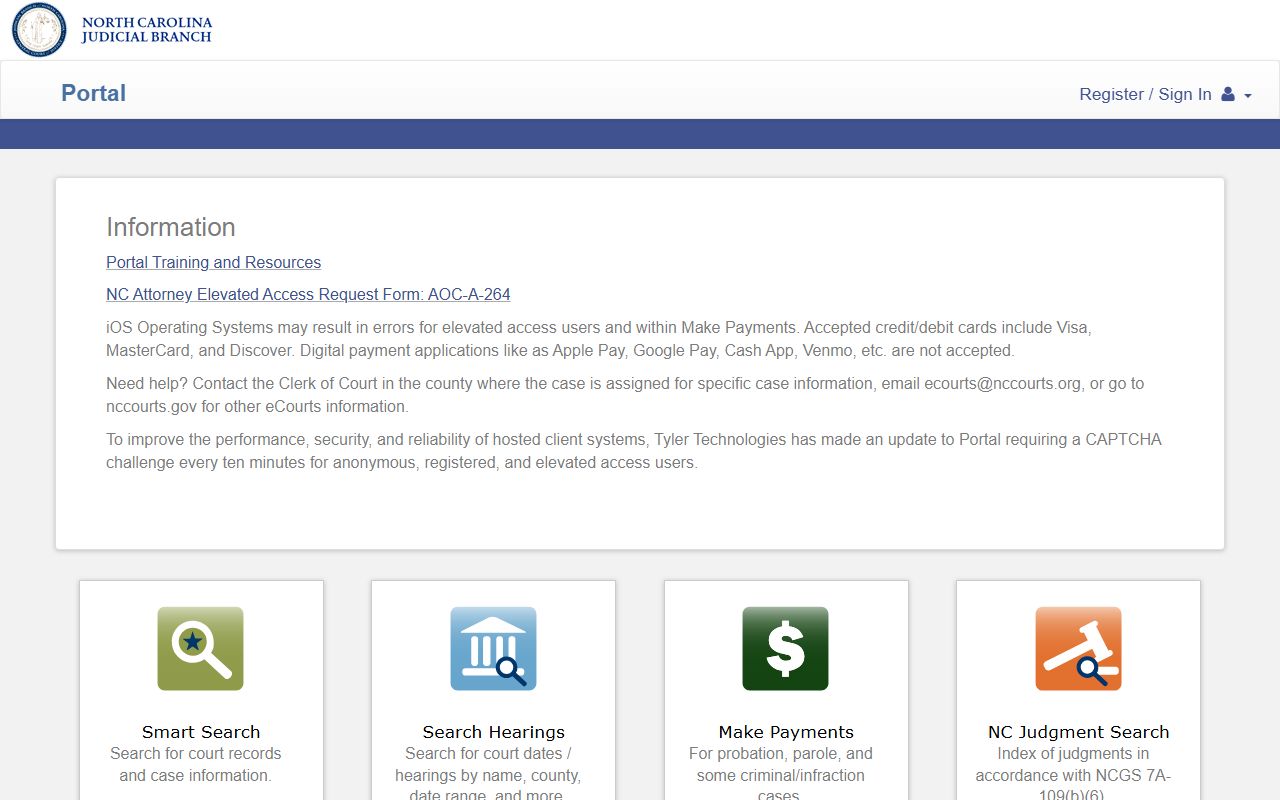
The Portal tiles matter because different Columbus County record tasks use different tools: Smart Search for cases, Search Hearings for docket dates, Make Payments for eligible obligations, and Judgment Search for indexed judgments.
Columbus County Court Records Search Fields
Portal search quality depends on choosing the right field. A full case number is the cleanest match when available. Name searches work, but common names should be filtered by county, date range, case type, or party role when the user has enough detail. Portal also supports wildcard searches, with at least four characters for some case-number searches and three last-name characters plus an asterisk for name wildcard searches.
| Field Label | Type | Required | Notes / Format |
|---|---|---|---|
| Record Number or Name | Text | Primary | Use record number or Last, First Middle Suffix name format. |
| Filter by Location | Dropdown | No | Select Columbus County to avoid statewide results. |
| Filter by Search Type | Dropdown | No | Supports party name, nickname, business name, and sounds-like searches. |
| Date of Birth From / To | Date | No | Useful when a party name is common and DOB is known. |
| Case Type | Dropdown | No | Case-type options are available, but captured HTML did not expose the full list. |
| Case Status | Dropdown | No | Narrows open, closed, or other status categories when exposed by Portal. |
| File Date Start / End | Date | No | Limits results to a known filing date range. |
NCAOC Portal training and resources explain how Smart Search, Search Hearings, Make Payments, and Judgment Search work for North Carolina counties.
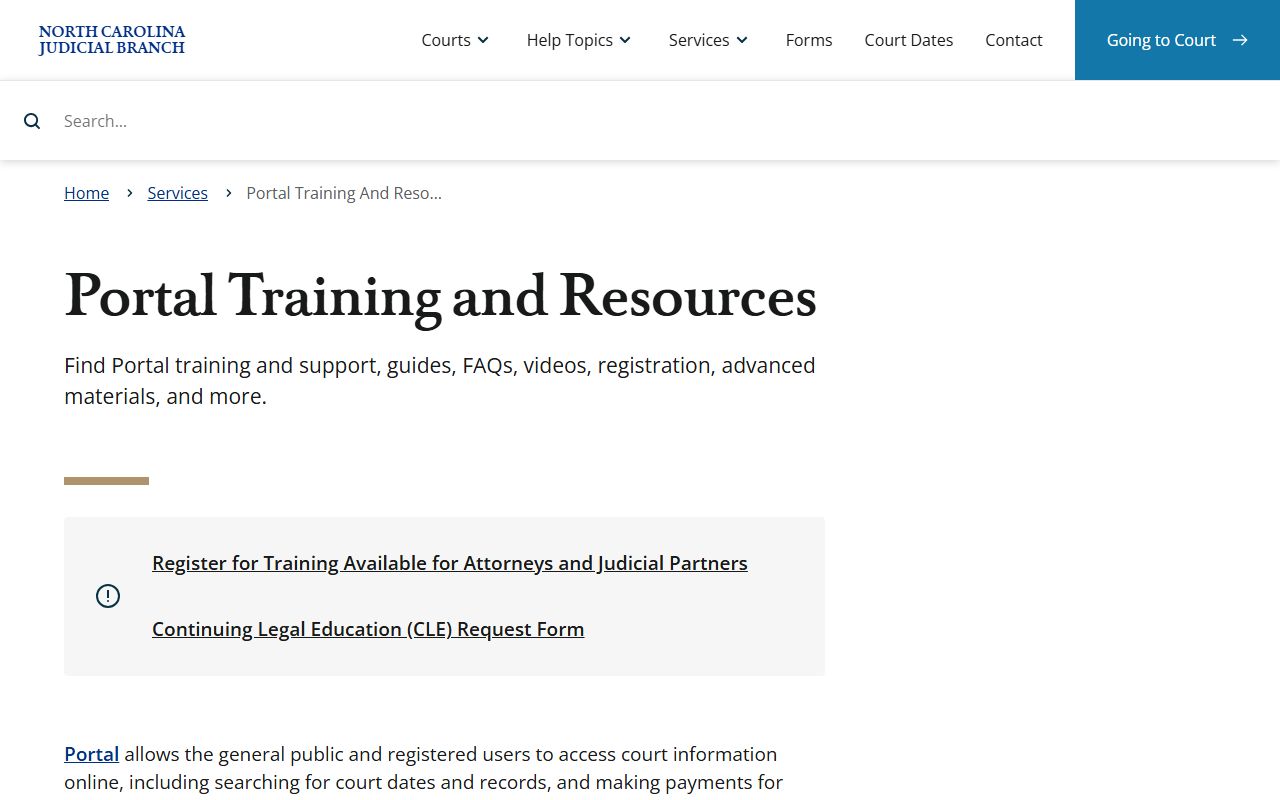
Training materials are useful when a Columbus County search returns too many results or when a user needs to move from a judgment index entry back to the full Smart Search case summary.
Types of Columbus County Court Records
Columbus County court records come from the General Court of Justice. Superior Court handles felony criminal cases, larger civil matters, District Court appeals, and estate caveats. District Court handles misdemeanors, infractions, traffic cases, domestic matters, juvenile matters, small claims appeals, and lower-dollar civil cases. Magistrates support initial appearances, warrants, process, and small claims functions. The sheriff's Court Services page separately identifies one District Court, one Superior Court, one Small Claims Court, one Civil Court, and one Child Support Court requiring courthouse security coverage.
Court records should be separated from records kept by other offices. Police reports come from the investigating law enforcement agency. Birth, death, marriage, marriage license, and many real estate instruments route to the Columbus County Register of Deeds or NC Vital Records. State offender custody data comes from the North Carolina Department of Adult Correction, while county custody information is handled by the Columbus County Sheriff's Office. For a court case file, the route is Portal plus the Columbus County Clerk of Superior Court.
- Civil records can include complaints, answers, motions, orders, judgments, foreclosures, partitions, condemnations, and other lawsuits.
- Criminal records can include charges, warrants, indictments, appearances, pleas, dispositions, sentences, costs, restitution, and attorney information.
- Family records can include divorce, custody, child support, domestic violence, and related orders, with limits for sensitive material.
- Estate and special proceeding records can include wills, letters, inventories, accountings, creditor claims, guardianship filings, and clerk orders.
- Traffic records can include citations, infractions, court dates, waivers, dispositions, fines, costs, failures to appear, and payment entries.
- Judgment records can be searched through NC Judgment Search, then followed into Smart Search for a fuller case summary.
NCAOC's court records help topic outlines the public record routes that apply to Columbus County court records.
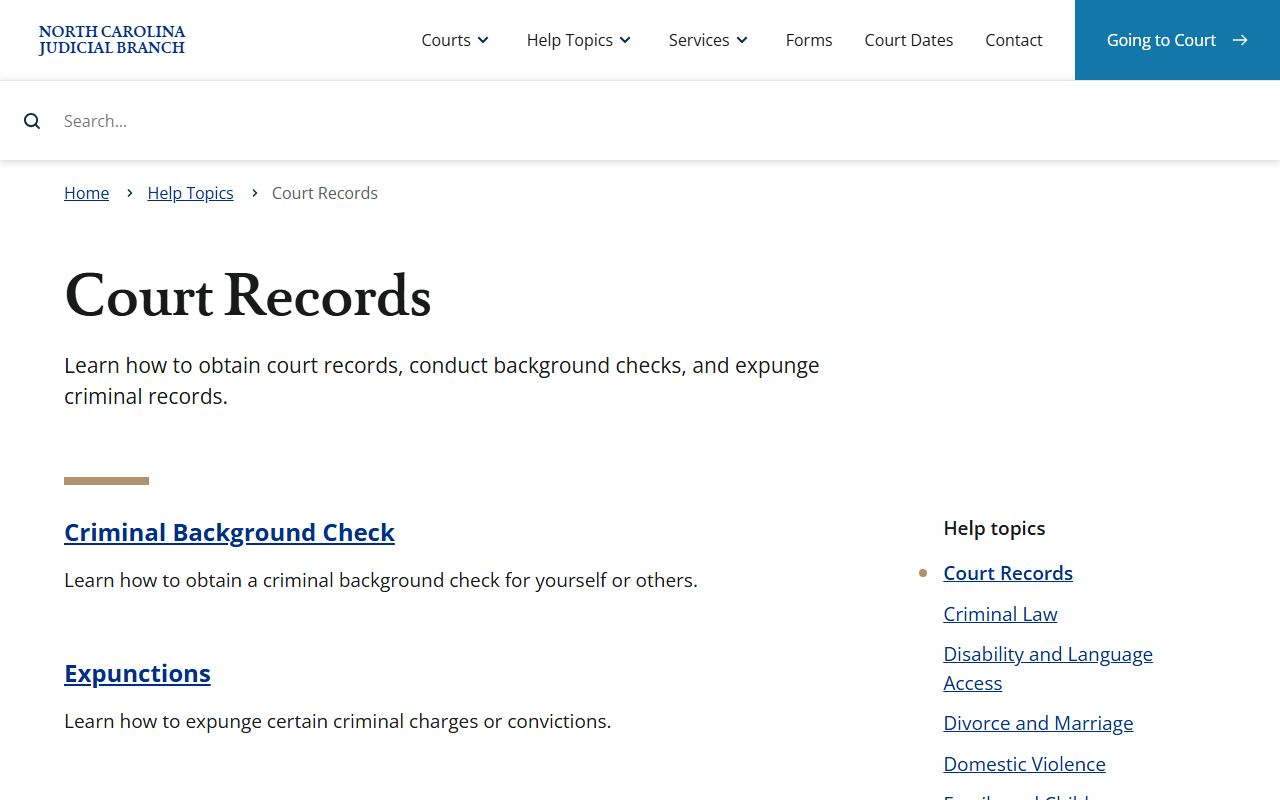
That help topic supports the key local distinction: searchable case information may be online, while complete files and certified copies remain clerk-office functions.
What Columbus County Court Records Show
A Columbus County court record usually shows the case identity, parties, court location, case type, status, filings, hearings, and result. Criminal case records may add charges, citations, warrants, indictments or informations, pleas, sentences, court costs, fines, restitution, and probation terms. Civil records may show pleadings, motions, orders, judgments, liens, and disposition. Family and juvenile-sensitive records may appear in limited form or be withheld. Estate records may list a decedent, personal representative, filing dates, probate documents, and clerk orders.
| Field | What It Shows |
|---|---|
| Case or Record Number | The unique court identifier, such as the case-number format used by North Carolina court systems. |
| Court and Location | Columbus County and the relevant Superior Court, District Court, or clerk proceeding context. |
| Parties | Names of plaintiffs, defendants, petitioners, respondents, businesses, or criminal defendants. |
| Filing and Event Dates | When the case opened and when hearings, motions, judgments, or other docket events occurred. |
| Case Type and Status | The category of matter and whether it is pending, disposed, indexed as a judgment, or otherwise marked. |
| Disposition or Judgment | The outcome, including judgment status, case result, sentence, or order when public and available. |
| Redactions | Public views should not be expected to show sealed, expunged, juvenile, or protected personal data. |
Judgment Search is narrower than a full case search. NCAOC says judgment index results include case number, disposition status, index date and time, parties, and judgment comments. For the complete case summary, the user should move from the judgment result to Smart Search or the clerk's office.
Columbus County Court Records by Clerk
The Columbus County Clerk of Superior Court is the local records office for Superior Court and District Court filings. NCAOC lists the Clerk's Office inside the Columbus County Courthouse, and NCARD identifies the clerk as Jesse H. Hill. The physical courthouse address is 100 Courthouse Circle, Whiteville, NC 28472. The mailing address is Columbus County Courthouse, PO Box 1587, Whiteville, NC 28472. The courthouse and clerk phone number is (910) 641-4400.
NCAOC's obtaining court records page says civil, special proceeding, and estates information can be accessed on public self-service terminals in clerk offices. It also says the actual case file can be viewed by visiting the clerk in the county where the case is located, and staff can provide copies for a fee. For background checks, NCAOC directs individuals to use the county clerk's office rather than Portal.
Columbus County Clerk of Superior Court
100 Courthouse Circle
Whiteville, NC 28472
(910) 641-4400
Monday-Friday, 8:30 a.m.-5:00 p.m.
NCAOC's obtaining court records page is the source for the clerk-file-review and copy pathway.
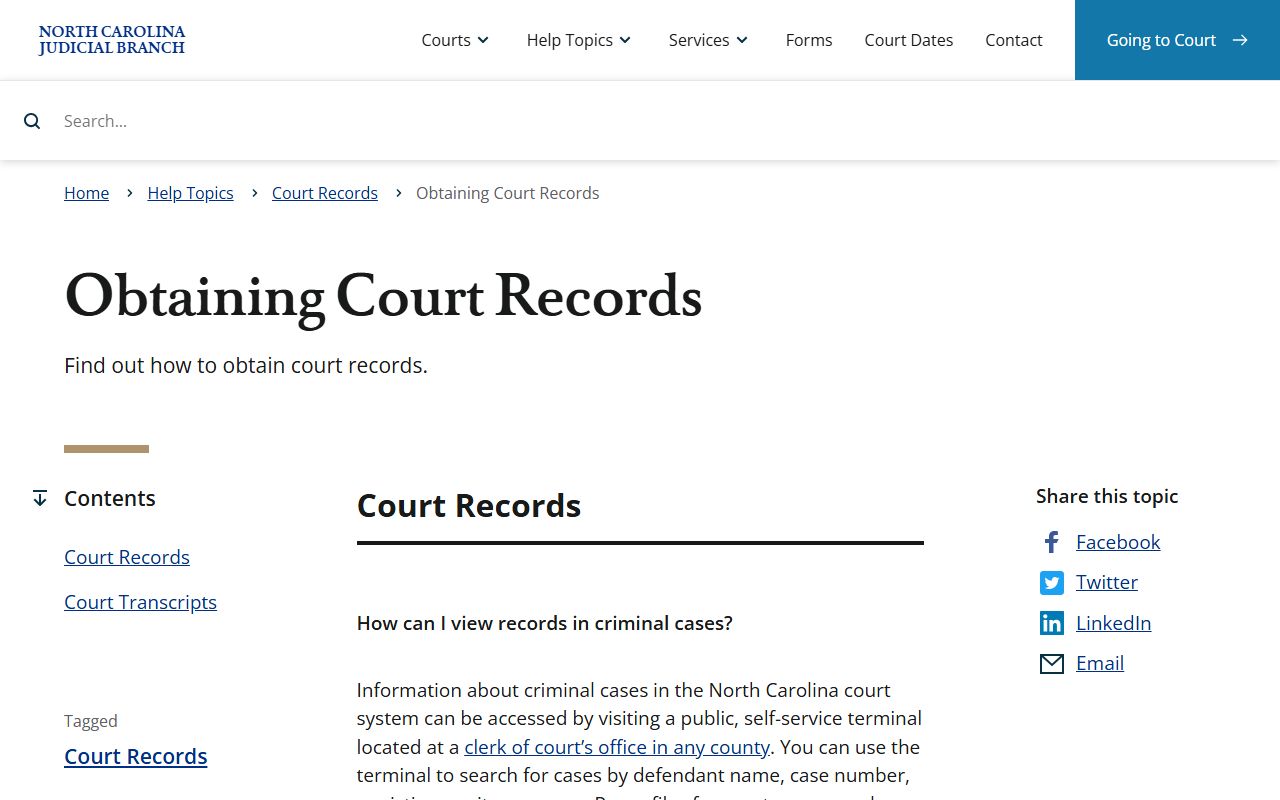
That clerk route is the best fallback when Portal does not show a full document image, when a certified copy is needed, or when an older file is not fully digitized.
Public Access to Columbus County Court Records
North Carolina public access starts with the broad public-record definition in G.S. 132-1, which covers documents and data made or received in connection with public business by public agencies. Court-record access is also shaped by clerk recordkeeping rules in G.S. 7A-109. Chapter 132 also treats returned arrest warrants, search warrants, indictments, criminal summonses, and nontestimonial identification orders as public court records unless sealed by court order.
The practical access rule is simple. Use Portal for case information, hearing dates, payments, and judgment indexes. Use the Columbus County Clerk of Superior Court for file review, plain copies, certified copies, divorce judgments, older files, background-check use, and records that require staff handling. Use the Register of Deeds or NC Vital Records for vital records, and use law enforcement for police reports.
Note: Public case information does not guarantee public access to every document in the clerk file.
NCAOC's public record request service routes users by record type rather than treating every Columbus County request as one form.
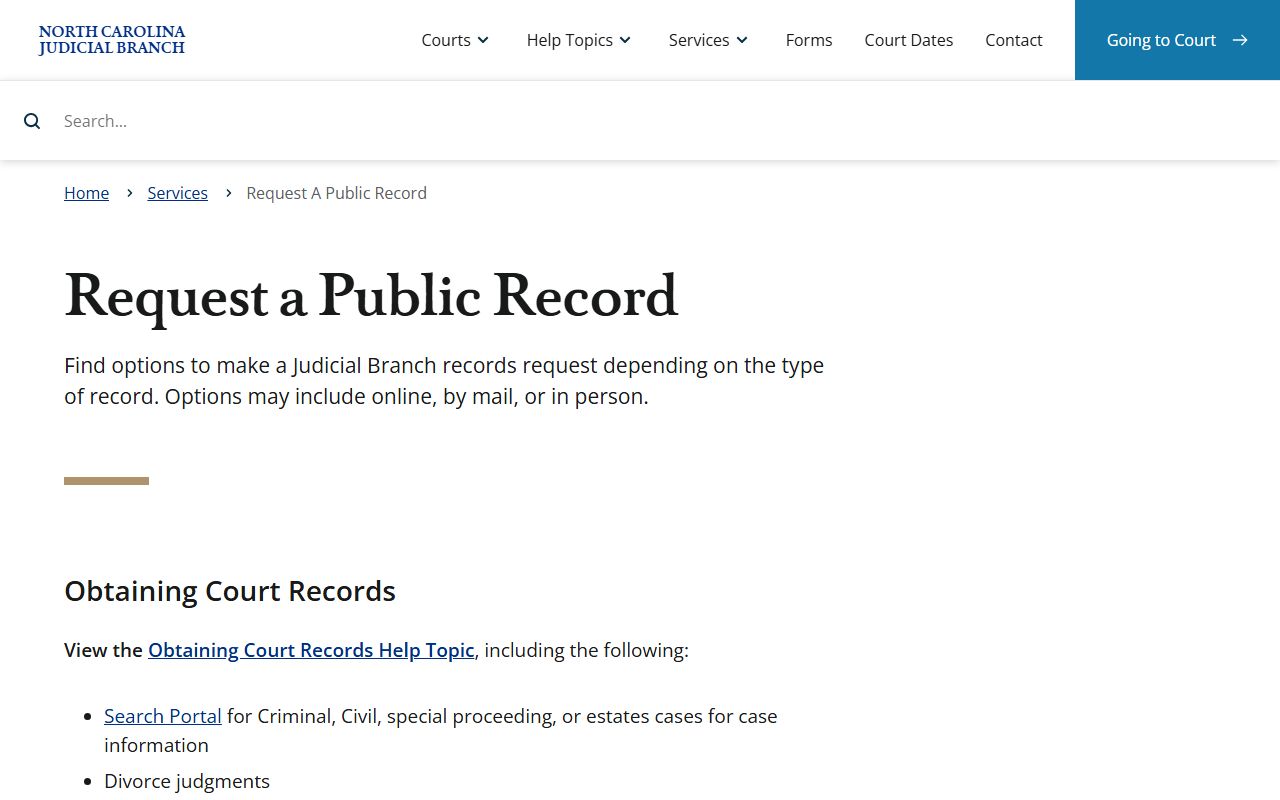
The routing matters because a court file, a police report, a marriage certificate, and a state agency record can involve different offices even when they relate to the same person.
Restricted Columbus County Court Records
Some Columbus County court records are not ordinary public case files. Juvenile delinquency and undisciplined records are governed by G.S. 7B-3000. Abuse, neglect, and dependency records are withheld from public inspection except as allowed by court order or statute under G.S. 7B-2901. Adoption records, mental health proceedings, sealed matters, and protected personal identifiers can also be restricted or redacted.
Expunction is different from ordinary sealing. North Carolina law allows expunction in specific circumstances, including some nonviolent misdemeanors and felonies under G.S. 15A-145.5 and dismissed or not-guilty matters under G.S. 15A-146. G.S. 15A-153 describes the effect as clearing the public record of covered arrests, charges, or convictions. Eligibility depends on the exact case, disposition, timing, and statute.