
Columbus County Court Docket Basics
A docket is a court schedule and case-event list. In Columbus County, docket information may show hearing dates, hearing type, court location, courtroom, judicial officer, party names, attorney searches, case number searches, and calendar placement. It can help confirm whether a matter is on a civil calendar, criminal calendar, family calendar, probate or mental health hearing list, or another available hearing category in the North Carolina eCourts Portal.
A docket is narrower than a full court record. The docket may show that a motion, plea, trial session, or disposition event exists, but the full document, signed order, exhibits, or certified copy may require Clerk of Superior Court review. For that broader file search, the general Columbus County court records route is the better fit. For a court date, docket management schedule, or hearing location, the docket path is faster.
- Docket
- A chronological court calendar or event list for a case or court session.
- Hearing
- A scheduled court appearance for a motion, plea, trial setting, review, or other issue.
- Disposition
- The outcome or final result of a charge, claim, judgment, or case event.
- Continuance
- A postponed court date that usually creates a later docket setting.
Search Columbus County Court Dockets Online
The North Carolina eCourts Portal includes Search Hearings for court dates and hearings. NCAOC training says Search Hearings can search current court calendars by case number, party name, business name, attorney name, attorney bar number, judicial officer, or courtroom. The location filter includes Columbus County and all other North Carolina counties. The hearing-type filter includes Civil, Criminal, Family, and Probate or Mental Health.
- Open the North Carolina eCourts Portal and choose Search Hearings.
- Select Columbus County as the location so statewide hearing results do not crowd the search.
- Choose the hearing type that best matches the case, such as Civil, Criminal, Family, or Probate or Mental Health.
- Pick the search type, then enter the case number, party name, business name, attorney, judge, or courtroom.
- Compare the hearing result with any mailed notice, citation, summons, or clerk notice before going to court.
Search Hearings is not the only local calendar source. The NCAOC Columbus County page links civil calendars, criminal calendars, and local administrative schedules. Those sources are useful when a case has not been easy to find by party name or when a user needs to understand weekly trial-session or docket-management placement.
The Columbus County civil calendar source is assigned to this docket page.
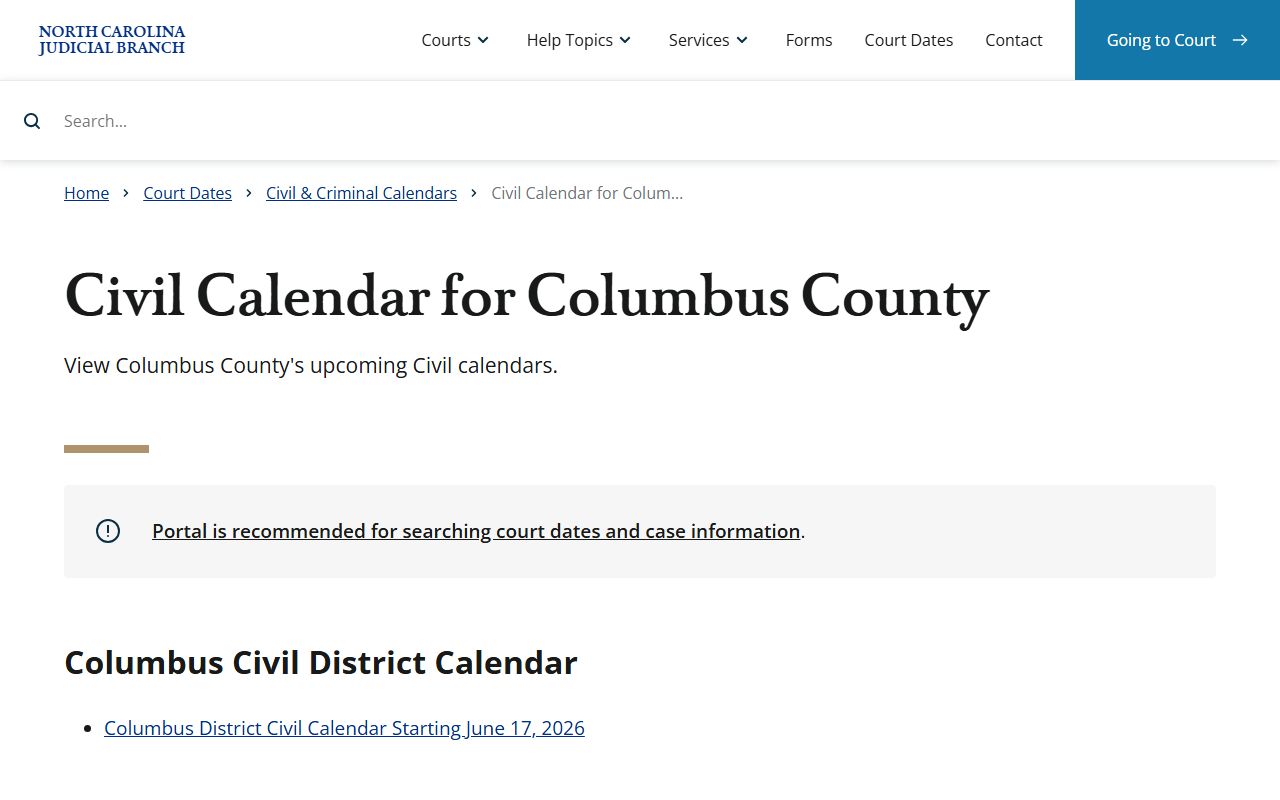
Civil calendars help users separate hearing-date lookup from the deeper civil file review that may still require the clerk's office.
Columbus County Court Docket Search Fields
Search Hearings works best when the location, hearing type, and search type are set before entering a name or number. A case number can be precise. A party name can be broader, so it may need first name, middle name, sounds-like matching, or hearing-type limits. Attorney searches and judicial officer searches are useful for lawyers, parties with counsel, and anyone checking a known courtroom list.
| Field Label | Type | Required | Options / Format Notes |
|---|---|---|---|
| Select Location | Dropdown | Yes | Choose Columbus County from the statewide county list. |
| Select Hearing Types | Dropdown | Yes | Includes All Hearing Types, Civil, Criminal, Family, and Probate or Mental Health. |
| Select Search Types | Dropdown | Yes | Case number, party name, business name, attorney name, attorney bar number, judicial officer, or courtroom. |
| Sounds Like | Checkbox | No | Supports broader phonetic matching for names. |
| Last / First / Middle Name | Text | Conditional | Used for party-name search when searching by person. |
| Judicial Officer | Dropdown | No | Useful when the judge or officer is known. |
| Courtroom | Search type | No | Useful for checking a known room or court session. |
The Columbus County local administrative schedules page also links civil, criminal, and docket management schedule material. It is a local source when Portal search fields are not enough.
Columbus County Criminal Court Dockets
Criminal dockets in Columbus County can involve District Court misdemeanors, infractions, and first appearances, or Superior Court felony matters and appeals. NCAOC identifies Columbus County in Prosecutorial District 15, Superior Court District 15A, and District Court District 15. The District Attorney for District 15 prepares the criminal trial docket, while the courts and clerk maintain the case records, hearing settings, and resulting docket entries.
A criminal calendar may list a case before the full case file shows every later result online. That is why a court date search, Smart Search result, and clerk contact may all be needed for the same person. Missed court can lead to failure-to-appear issues, added costs, license consequences in traffic matters, or court process such as an order for arrest, depending on the case.
| Docket or Calendar Source | Best Use |
|---|---|
| Search Hearings | Find current hearing dates by party, case number, attorney, judicial officer, or courtroom. |
| Criminal calendars | Review Columbus County criminal calendar postings linked from the NCAOC local schedules area. |
| Smart Search | Check the case summary, status, parties, and disposition information tied to docket events. |
| Clerk of Superior Court | Confirm file status, copies, certified records, and questions that cannot be resolved online. |
The Columbus County criminal calendar source is the companion route for criminal docket review.
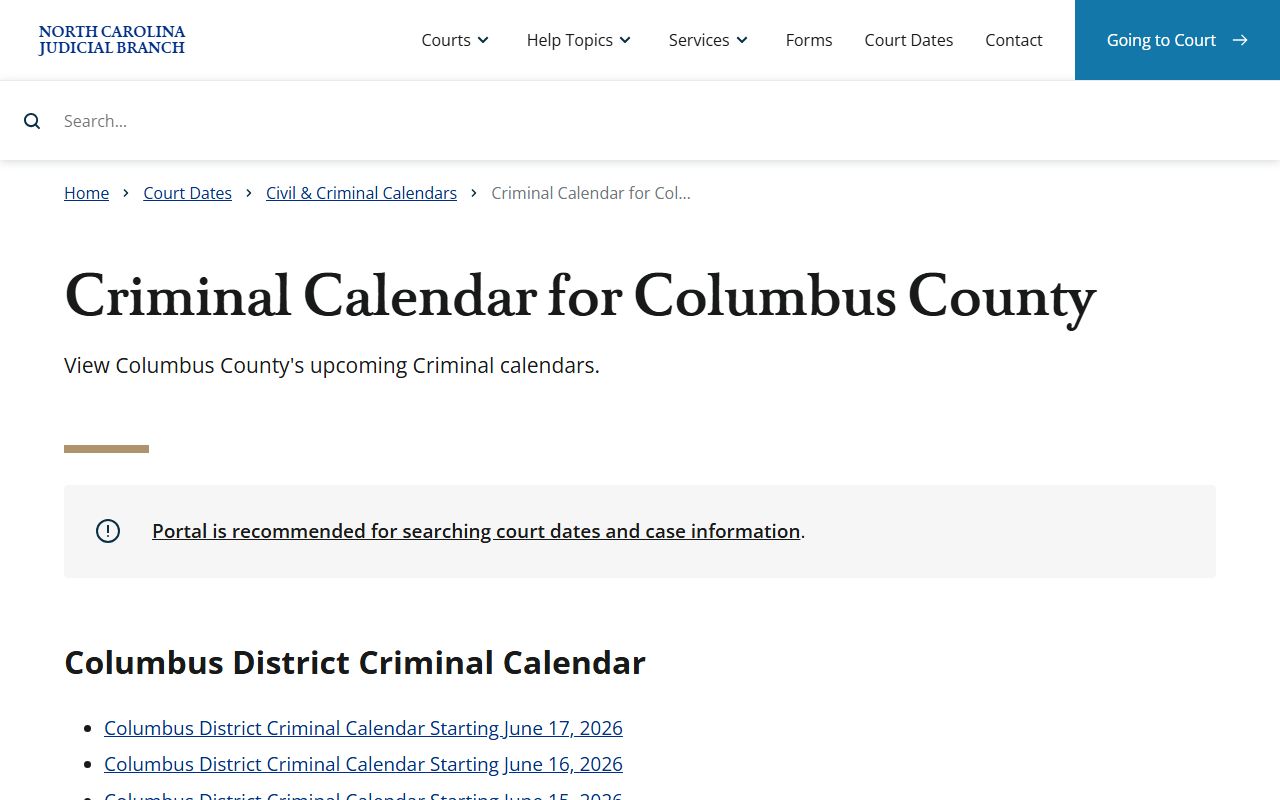
Criminal calendars are especially important when a hearing date, trial session, plea date, or docket management setting needs to be checked before a courthouse visit.
Courts Behind Columbus County Dockets
Columbus County docket information fits into the North Carolina court hierarchy. District Court handles misdemeanors, traffic infractions, domestic matters, juvenile matters, small claims appeals, and lower-dollar civil cases. Superior Court handles felony criminal cases, larger civil cases, appeals from District Court, and matters such as estate caveats. Magistrates support initial appearances, warrants, process, and small claims functions.
Appeals do not stay in the local trial docket forever. The North Carolina Court of Appeals is the intermediate appellate court and hears most appeals from Superior and District courts in civil and criminal cases. The Supreme Court of North Carolina is the state's highest court, has a Chief Justice and six associate justices, and decides questions of law rather than fact. Capital murder appeals with a death penalty go directly to the Supreme Court.
The Supreme Court appellate page is one of the docket-page image sources.
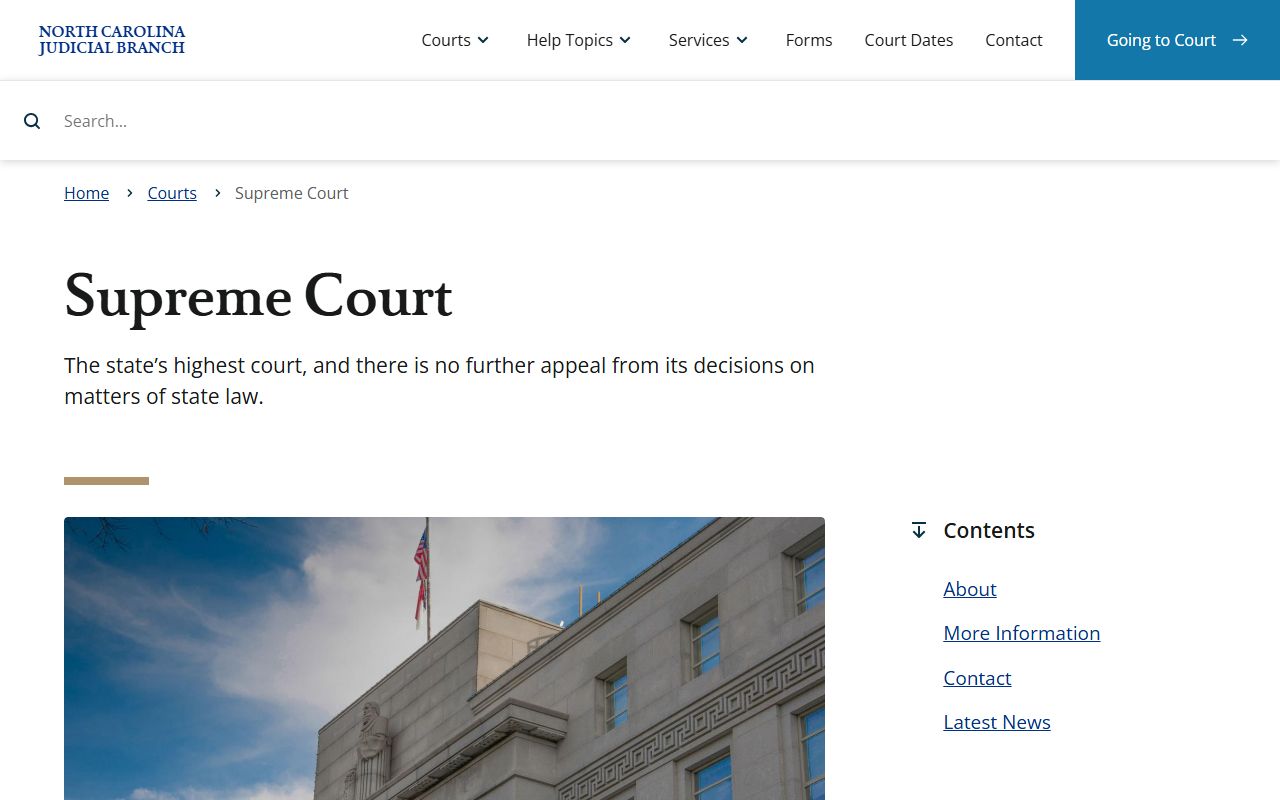
That appellate source helps explain why local Columbus County docket events may later become appellate records outside the county trial calendar.
The North Carolina Court of Appeals page is also assigned to Columbus County court dockets.
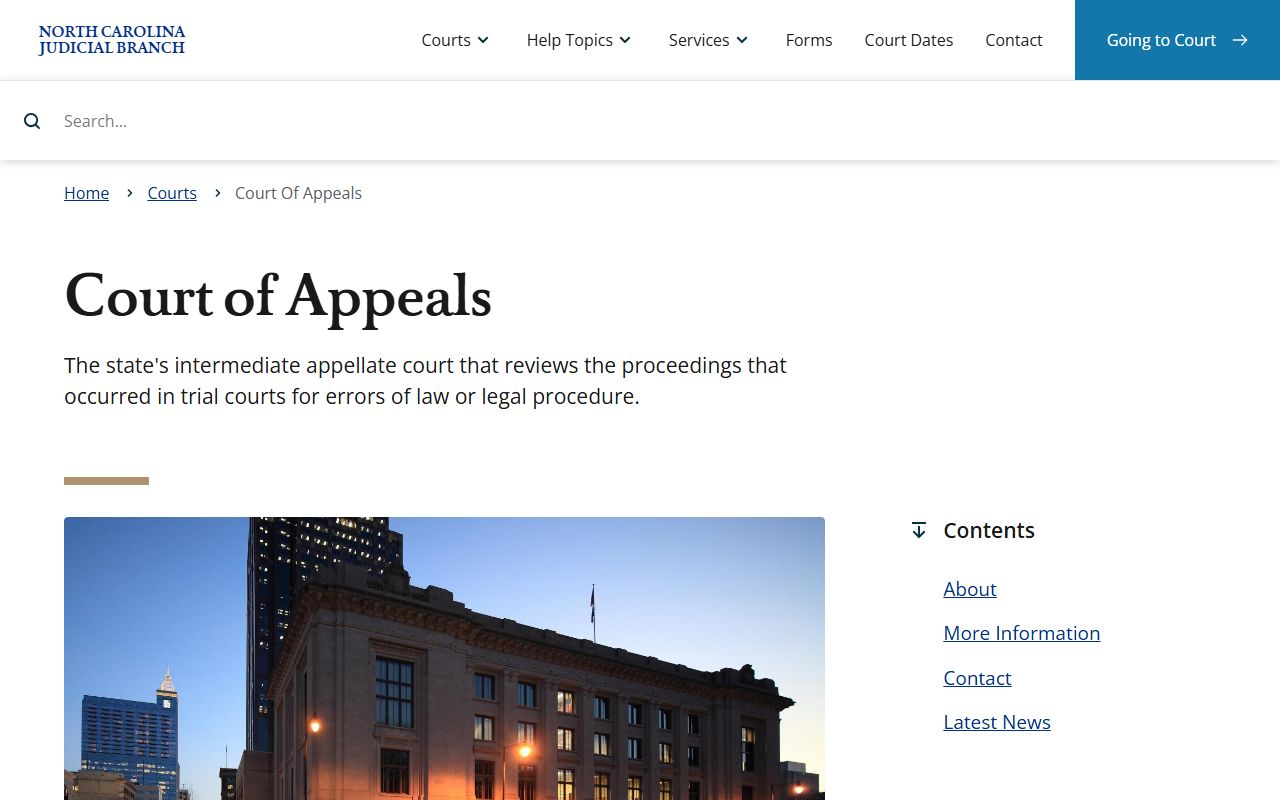
Court of Appeals material is relevant when a Columbus County trial result is appealed and the docket shifts from local hearing dates to appellate briefing and decision dates.
Columbus County Dockets vs Case Records
A docket is useful for timing. A case record is useful for substance. The docket can show when a motion was heard, when a plea was set, when a civil matter appeared on a calendar, or when a judgment was entered. The complete case record may include the motion, complaint, answer, warrant, indictment, order, judgment, financial entries, and certified copies.
| Feature | Court Docket | Full Case Record |
|---|---|---|
| Primary purpose | Track hearings and case events. | Show filings, orders, judgments, and case substance. |
| Common access | Search Hearings, calendars, administrative schedules. | Smart Search, clerk public terminals, and clerk file review. |
| Typical detail | Date, time, hearing type, court, party, courtroom, judicial officer. | Parties, pleadings, charges, motions, orders, dispositions, sentence, costs. |
| Copy use | Good for checking court dates. | Needed for certified copies, background checks, and legal review. |
The Superior Court page documents the trial division tied to felony, major civil, appeal, and estate-caveat dockets.
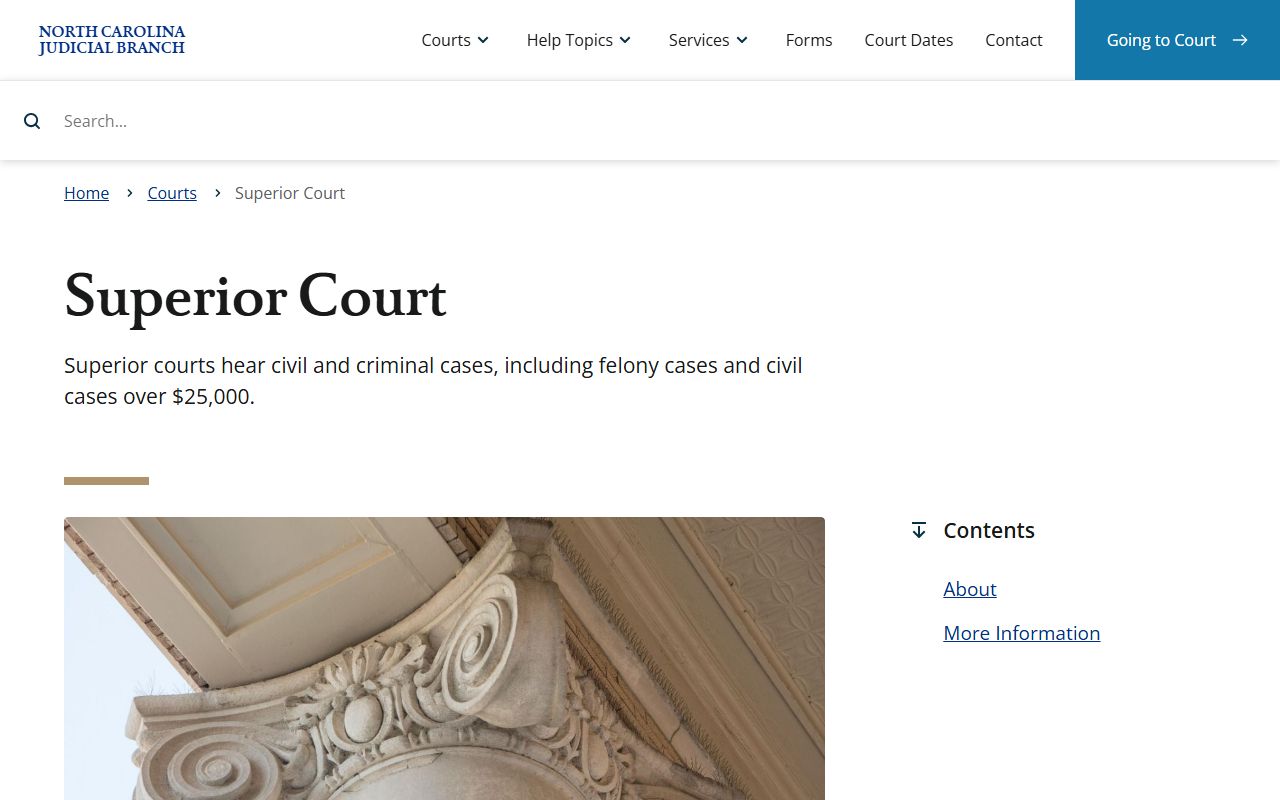
Superior Court context helps readers avoid assuming every Columbus County docket item belongs to District Court just because many traffic and misdemeanor matters start there.
Reading Columbus County Docket Entries
A docket entry should be read with the case type in mind. In a criminal case, a hearing entry may relate to arraignment, plea, motions, trial, disposition, sentencing, probation, or costs. In a civil case, it may relate to a complaint, answer, motion, continuance, arbitration, trial setting, judgment, or post-judgment event. In an estate or special proceeding, a docket setting may involve the Clerk of Superior Court acting as probate judge or a Superior Court judge if a will caveat is filed.
| Docket Field | What It Usually Means |
|---|---|
| Case Number | The case identifier that can connect the docket entry to Smart Search or clerk records. |
| Hearing Type | The category of court event, such as civil, criminal, family, or probate or mental health. |
| Party or Business Name | The person or entity tied to the case setting. |
| Judicial Officer | The judge or official listed for the hearing when the field is available. |
| Courtroom | The room or session location, which should be checked against notices before arrival. |
| Disposition | The outcome if the event or case has reached a result. |
Note: Courthouse visitors should check the summons, Portal hearing result, or clerk notice because Columbus County uses nearby court buildings.
Columbus County Docket Help
The Columbus County Clerk of Superior Court is the local office to contact when online court docket information is unclear or when a full file or certified copy is needed. The Clerk's Office is at the Columbus County Courthouse, 100 Courthouse Circle, Whiteville, NC 28472. The mailing address is PO Box 1587, Whiteville, NC 28472. The phone number is (910) 641-4400, and NCAOC lists weekday hours as 8:30 a.m. to 5:00 p.m.
For a courthouse visit, the sheriff's Court Services page says screening begins at the front door with a metal detector, inspection of bags and handheld items, plastic containers for metal objects, and possible handheld or x-ray screening if the detector alarms. The Dempsey B. Herring Courthouse Annex at 112 W Smith Street and the 113 Courthouse Square annex can also matter for courtrooms and defender contacts, so do not assume every docket setting is in the same room.